RapidAuthor 2606
Release Notes
2 September 2026
Webinars
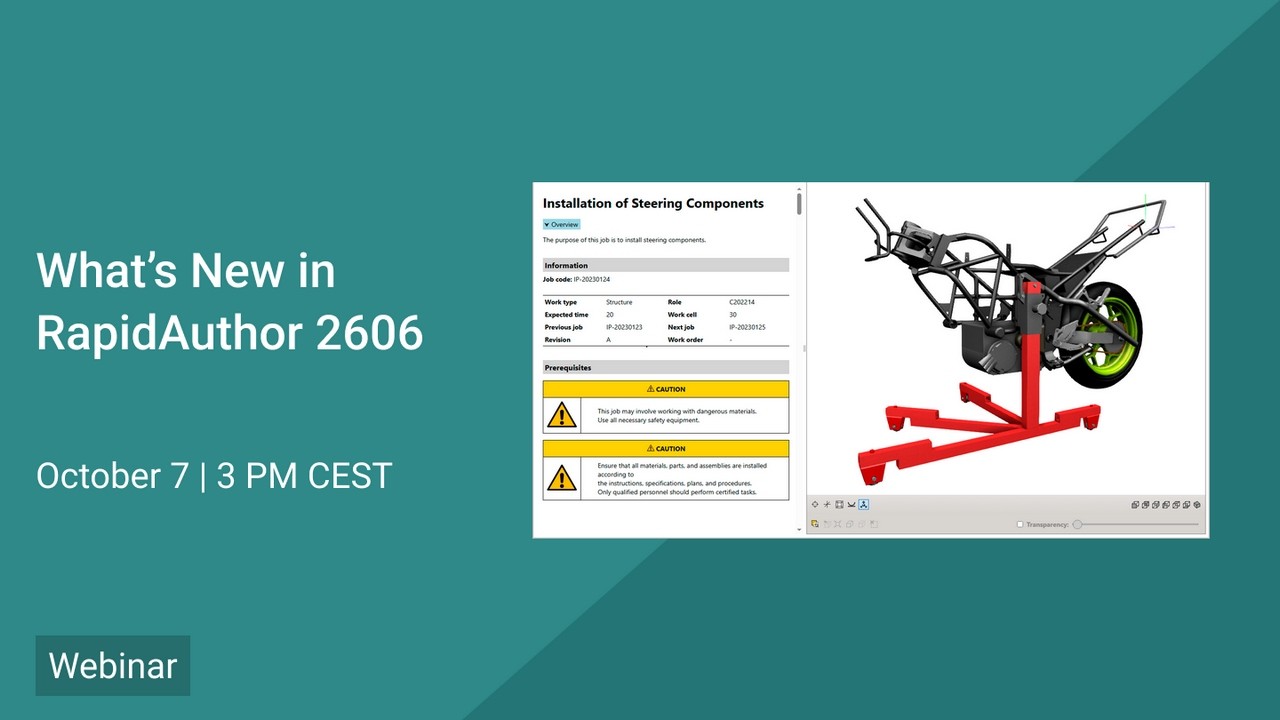
What's new in RapidAuthor 2606
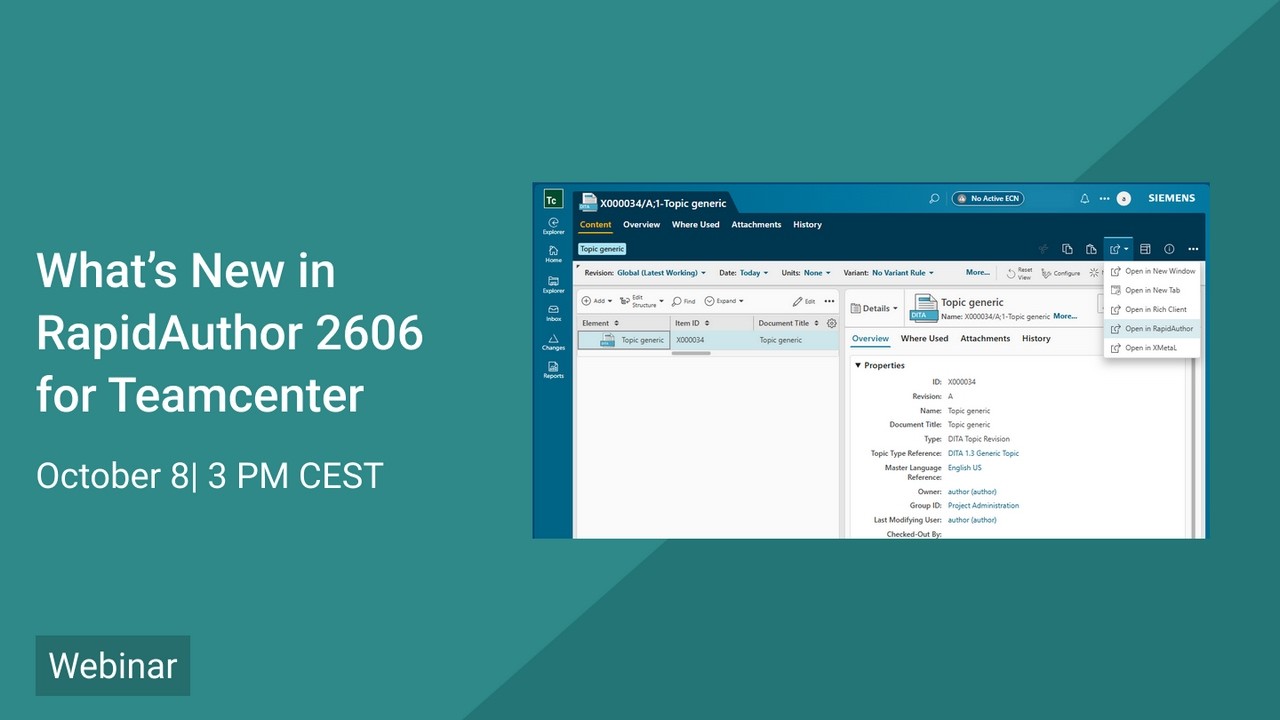
What's new in RapidAuthor 2606 for Teamcenter
Key Changes
- New import profiles for PLMXML files for Generic IPC specification.
- Support for JT 10.11 standard
- New customization features in PDF rules, including non-standard fonts, storage of PDF rules files in custom DITA OT plugin, and automatic cleanup of plugins used by rules.
- New specifications for work instructions: DITA Work Instructions and DITA MPP Job Card.
- Simple and professional formatting of fault reports in accordance with the S1000D standard.
- Reference lines in gallery objects, such as callouts, panels, and loupe, can now use different line widths and dash styles.
- Automatic creation of a collection when multiple items are selected for a new action.
- Context objects in the authoring tools can now be displayed in 3D view using different rendering modes, similar to those available in the published output.
- Direct editing of Content Management DITA content in RapidAuthor.
- Support for generating DITA documentation and publications from Easy Plan process data.
- Improved S1000D import workflow with interactive validation, guided fixes, and automated object creation.
- Publishing options are now organized into categories for easier navigation, and some options have been renamed for improved clarity.
- In Generic specifications PDF page size can now be configured via the “PDF Page Size” publishing option.
- Ability to create and manage style sets, use them to generate 2D images and store the style set within the illustration.
- Layer handling has been improved to prevent creation of objects outside of layers, with the ability to name layers, pin the active working layer and an enhanced, customizable Layers window.
- 2D lines are now grouped by their source 3D object, making it easier to locate, manage, and edit all lines associated with a specific object.
More detailed information about key changes →
Full List of Changes
- Support for JT 10.11 standard.
- New import profiles for PLMXML files for Generic IPC specification.
- Relates to RapidDataConverter for Teamcenter:
- Support for new CAD formats: DGN 7, 8; SolidWorks 2026; NX 2512; Catia V5-6 R2026; SolidEdge 2026; Parasolid 38.1; Inventor 2027
- New import profiles for NX files for Generic IPC and S1000D specifications.
- New customization features in PDF rules, including non-standard fonts, storage of PDF rules files in custom DITA OT plugin, and automatic cleanup of plugins used by rules.
- New specifications for work instructions: DITA Work Instructions and DITA MPP Job Card.
- New context menu commands in the DITA document editor for inserting figures and graphics.
- Simple and professional formatting of fault reports in accordance with the S1000D standard.
- Reference lines in gallery objects, such as callouts, panels, and loupe, can now use different line widths and dash styles.
- Dash-dot style assigned to explode lines in 3D view.
- Automatic creation of a collection when multiple items are selected for a new action.
- Setting an object as Context is now also allowed on the Base page.
- Context objects in the authoring tools can now be displayed in 3D view using different rendering modes, similar to those available in the published output.
- Support for images in Callout (XML) object within publications.
- New Panel (XML) object, similar to Callout (XML), but positioned using screen coordinates.
- Metadata names, descriptions and reference tables are now localized across all specifications.
- Publishing options are now organized into categories for easier navigation, and some options have been renamed for improved clarity.
- In Generic specifications PDF page size can now be configured via the “PDF Page Size” publishing option.
- New “Preview PDF” command replaces “Publish As”, allowing users to quickly generate and preview PDF files.
- Support for ATA iSpec 2200 Rev. 2023.1 within AIPC publications, including media elements for 3D data and MCP companion files for metadata management.
- Ability to add illustration from a file or attach an existing project illustration to any page, not just the currently active page.
- Easy conversion of regular illustrations into composite ones, allowing additional views to be added more efficiently.
- 2D lines are now grouped by their source 3D object, making it easier to locate, manage, and edit all lines associated with a specific object.
- Generation of hidden lines and surface edges using user-defined styles and layers.
- Easily modify 2D options right from the Composite Image window.
- Ability to select or deselect multiple illustrations for 2D publication with a single click in the “Manage 2D Images” dialog.
- Ability to create and manage style sets, use them to generate 2D images and store the style set within the illustration.
- Dash, hatch and halo styles have been added to the “Manage Property Styles” dialog, with support for assigning keyboard shortcuts.
- Layer handling has been improved to prevent creation of objects outside of layers, with the ability to name layers, pin the active working layer and an enhanced, customizable Layers window.
- Ability to select points for all objects in a selected group using the “Pick Points” tool.
- Special text objects that automatically display various data like illustration title, file name, last saved date or time, various other illustration properties.
- New commands to link or unlink objects, such as linking a Callout object to a Transform object in a composite illustration view.
- Ability to change group hover highlighting style, either as a bounding box or by highlighting all lines of objects in the group.
- Ability to paste tables from Microsoft Word, Excel, and other applications into illustrations.
- Added CGM Info dialog providing CGM element statistics and estimated output file size.
- Keyboard shortcuts assigned to the most frequently used commands.
- Central management of RapidAuthor specifications in Teamcenter with version control and automatic updates.
- Automated generation and configuration of CIR repositories and CIR rules via RapidAuthor Administrator UI.
- Direct editing of Content Management DITA content in RapidAuthor.
- Support for generating DITA documentation and publications from Easy Plan process data.
- Improved S1000D import workflow with interactive validation, guided fixes, and automated object creation.
- Support for importing S1000D publication modules with automatic structure reconstruction in Teamcenter
- Enhanced logging and diagnostics with runtime debug control and structured logs.
- Unified PDF styling across RapidAuthor and Content Management using shared Cortona3D PDF Rules.