RapidAuthor 2512
Release Notes
25 February 2026
Webinars
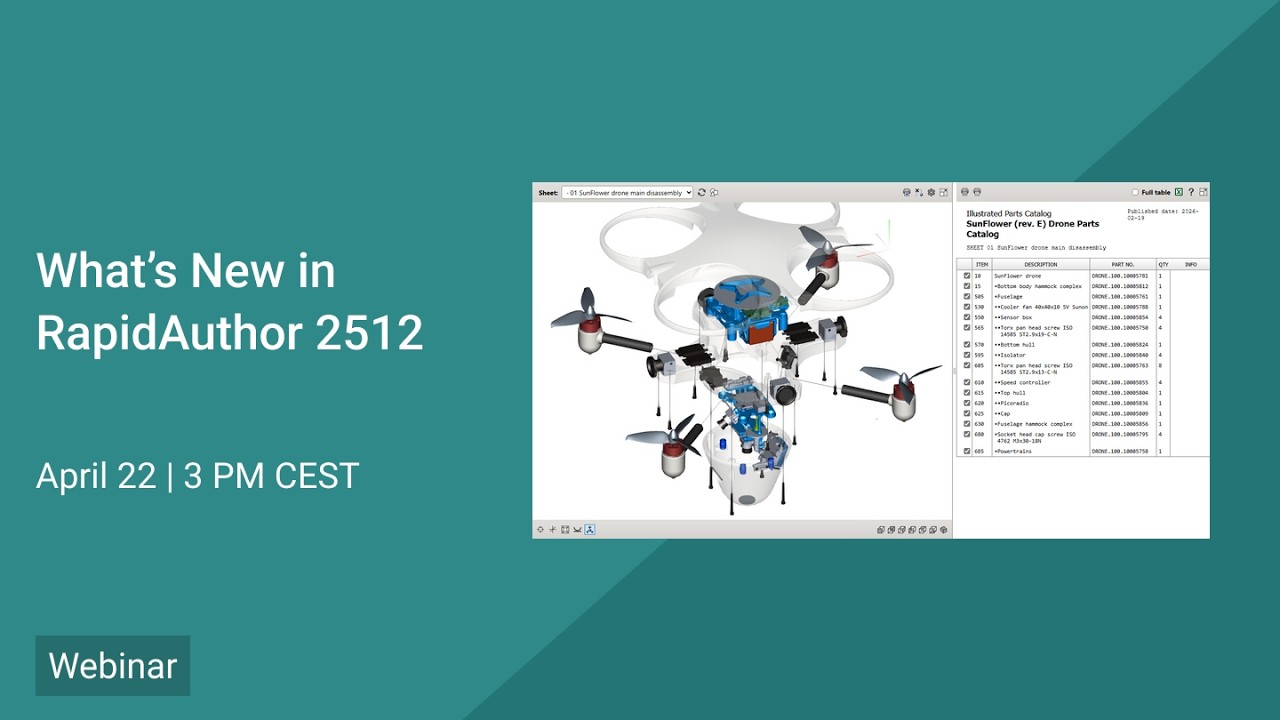
What's new in RapidAuthor 2512
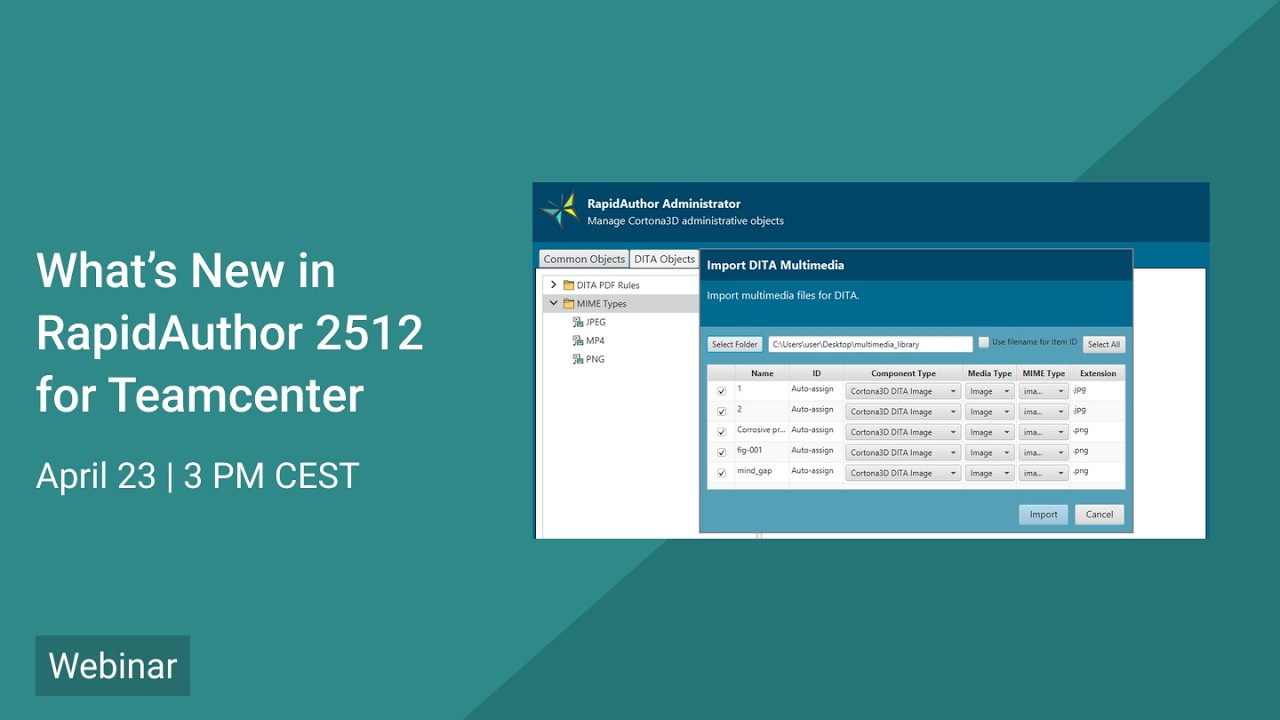
What's new in RapidAuthor 2512 for Teamcenter
Key Changes
- Configurable removal of small parts and holes on import.
- Import of empty steps from Easy Plan and Service Planner.
- New customization features in PDF rules: total page count display, configurable back cover page, column style and visibility control for Generic IPC catalogs, and support in custom plugins.
- References to external publications can now be created for S1000D 6 data modules.
- Illustration ICN can now be displayed in HTML publications.
- Context geometry can now be defined in all RapidAuthor applications. Transparency can be set per object or overridden via application options. Publication options control context geometry appearance, including the new Hidden option.
- Geometry can now be trimmed or cut by a cylinder, not just by a box.
- 3D PDF output discontinued; HTML output recommended instead.
- Bulk multimedia import in RapidAuthor Administrator for DITA authoring in Active Workspace.
- Easy Plan: support for applying BOPs configured by revision and variant rules.
- Support for applying BOMs configured by revision and variant rules in Active Workspace.
- New "Isolate" selection mode added to HTML publications.
- Tooltips can now be configured in RapidManual publications.
- New callout object capabilities: support for numeric and alphabetic schemes, prefixes and postfixes, auto renumbering, and shape size locking.
- Stroke, Fill, and Text styles can now be applied at the group level affecting all applicable objects within the group.
- Points can now be selected using the Lasso tool.
More detailed information about key changes →
Full List of Changes
- Configurable removal of small parts and holes on import.
- Import of empty steps from Easy Plan and Service Planner.
- Relates to RapidDataConverter for Teamcenter and RapidDataConverter:
- Support for importing new CAD formats: Parasolid v38, ACIS 2025, AutoCAD 2026, IFC 4.3, Revit 2026.
- The importer can now automatically detect and apply the units of measurement defined in the source CAD files.
- New customization features supported by PDF rules: total page count display, configurable back cover page, column style and visibility control for Generic IPC catalogs. PDF rules are now supported in custom plugins.
- Illustration ICN can now be displayed in HTML publications.
- References to external publications can now be created for S1000D 6 data modules in the Document Editor and displayed in the HTML and PDF publications.
- Change marks are now displayed when opening an updated PM or SCPM data module in standalone RapidAuthor.
- Graphics hotspot attributes in published SVG files are now compatible with S1000D 6 profile.
- Multimedia object parameter attributes now conform to the S1000D specification.
- Context geometry can now be defined in all RapidAuthor applications. Transparency can be set per object or overridden via application options. Publication options control context geometry appearance, including the new Hidden option.
- Context geometry added from Teamcenter using the “Add Context Geometry” command now receives context geometry flag and can be automatically updated.
- 2D generation options for transparent items have been renamed and regrouped for clarity.
- Geometry can now be trimmed or cut by a cylinder, not just by a box.
- Generic IPC specification: Applicability support for IPC pages and Item Variant for DPL rows.
- Assemblies can now be excluded from selection when using the Selection > Find Items command.
- 3D PDF output discontinued; HTML output recommended instead.
- Spanish localization of UI is now supported in RapidAuthor for Teamcenter.
- New "Isolate" selection mode added to HTML publications.
- Tooltips can now be configured in RapidManual publications.
- Callout object capabilities enhanced: numeric and alpha schemes, use of prefix and postfix, auto renumbering, lock shape size.
- Stroke, Fill, and Text styles can now be applied at the group level affecting all applicable objects within the group.
- Points can now be selected using the Lasso tool.
- Hidden lines can now be preserved in 2D illustrations.
- Existing project illustrations can now be manually linked to the current IPC page.
- Context geometry can now be generated on the Drawing layer or on a separate layer.
- Raster background is now created on the Drawing layer and does not contain explode lines.
- Precision for linear, angular, and percentage values can now be specified in the options.
- MIME type configuration in RapidAuthor Administrator for DITA authoring.
- Bulk multimedia import in RapidAuthor Administrator for DITA authoring in Active Workspace.
- Comprehensive export of S1000D publication modules from Active Workspace.
- Easy Plan: support for applying BOPs configured by revision and variant rules.
- Support for applying BOMs configured by revision and variant rules in Active Workspace.
- Reuse of DITA topics and graphics from Teamcenter Content Management without additional configuration.